iRobot Roomba 105 Combo vs Roomba Combo Essential
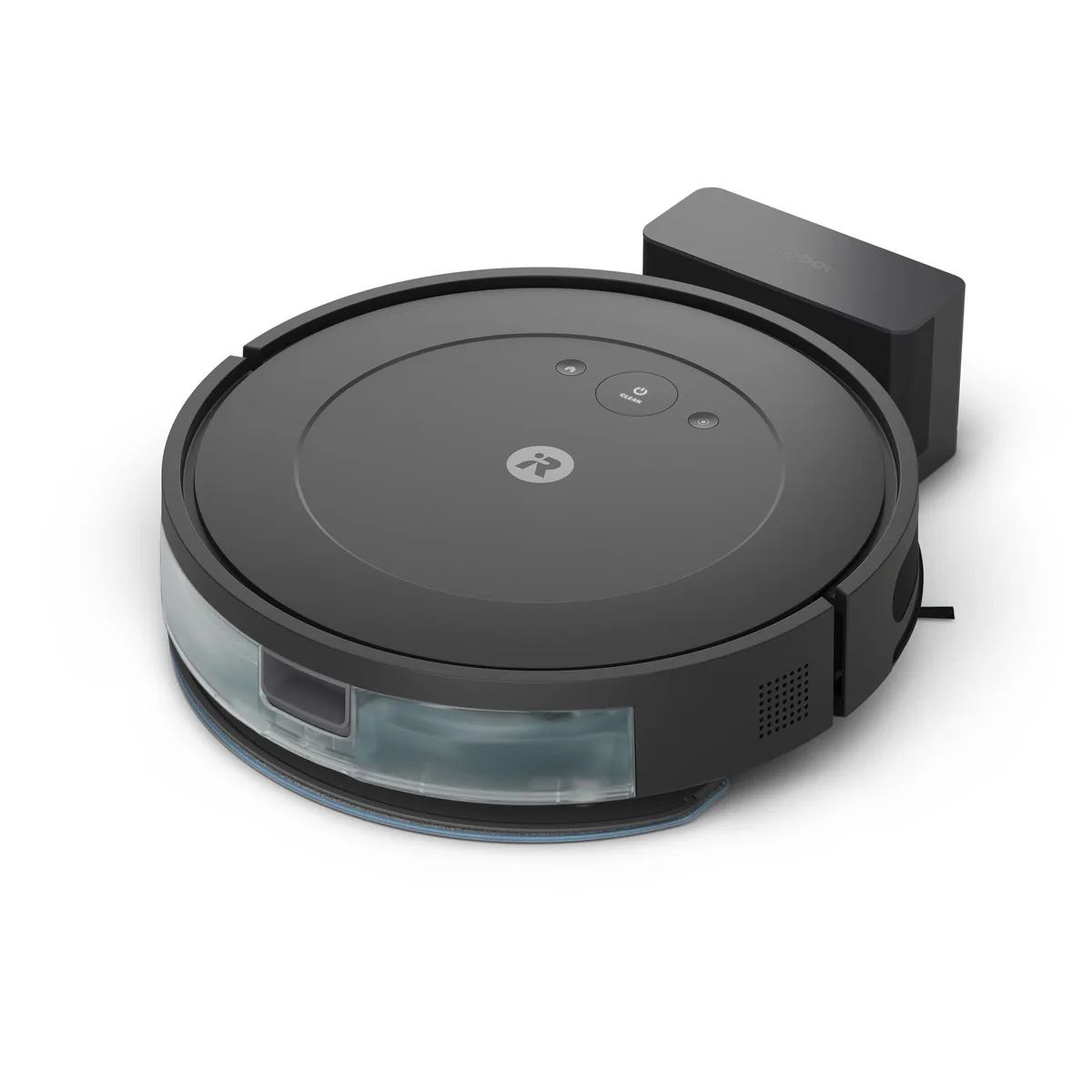
Quick take: The Roomba Combo Essential costs $10 less.
Which one to buy
The Roomba 105 Combo has the better navigation of the two iRobots: LiDAR that maps up to three floors and cleans in rows, plus carpet detection that keeps the mop pad off rugs. The Combo Essential uses a gyroscope, has no carpet detection, and covers up to 500 sq ft per cycle, so on mixed floors you set no-mop zones yourself.
105 Combo owners report impressive dog-hair pickup, a simple app and easy access to iRobot's US parts and support. Their complaints would apply to the Essential's mop too: the pad drags damp with no pressure, won't touch dried spills, and goes on and off by hand. They also note cables and socks get eaten, and some units struggle to dock.
The Combo Essential's advantages are small: three water levels, a lower 3.15-inch body, and obstacle avoidance in its listed specs. Its washable pad is rated for about 30 uses, and iRobot publishes no suction, bin or tank figures for either model, so there's no hidden spec gap. None of that outweighs the 105 Combo's navigation for most homes.
iRobot Roomba 105 Combo
The better pick for LiDAR mapping, carpet detection and multi-floor maps, which suits nearly every home.
Roomba Combo Essential
Buy the Roomba Combo Essential only if you need its lower 3.15-inch body or adjustable water levels, and your space is small enough for its 500 sq ft per cycle.
| Spec | iRobot Roomba 105 Combo | Roomba Combo Essential |
|---|---|---|
| Price | ~$180 | ~$170 |
| Type | Robot Vacuum & Mop | Robot Vacuum & Mop |
| Suction | Not disclosed | Not disclosed |
| Battery | — | 120 min |
| Navigation | LiDAR | Gyroscope |
| Filtration | — | — |
| Cordless | Yes | Yes |
| Bagged | — | — |
| Noise | — | — |
| Dustbin | — | — |
| Water tank | — | — |
| Self-empty dock | No | No |
| Auto mop washing | No | No |
| Hot water washing | No | No |
| Obstacle avoidance | No | Yes |
| Carpet detection | Yes | No |
| Auto mop lifting | No | No |
| Multi-floor mapping | Yes | No |
| App control | Yes | Yes |
| Dimensions | 13.23 x 13.19 x 4.09 in | 12.99 x 12.99 x 3.15 in |
| Weight | 6.27 lbs | 6.17 lbs |
| Warranty | 1 year | 1 year |
Pros & cons
iRobot Roomba 105 Combo
- ✓LiDAR navigation and multi-floor mapping at a bump-nav price
- ✓Strong dry pickup for the money — a huge leap over old 600-series Roombas
- ✓Automatically refuses to mop carpet when the pad is on
- ✓Simple, stable app without the gimmick overload of Chinese rivals
- ✓Light 6.27 lb body and low 4.09 in profile fits under most furniture
- ✓Reusable microfiber pads instead of consumable disposables
- ✗Mopping is a damp-pad wipe, not scrubbing — skip it if mopping matters
- ✗No obstacle avoidance — pre-clean pickup of cables and socks is on you
- ✗iRobot publishes no runtime, suction, or bin specs whatsoever
- ✗No self-empty dock at this price tier
- ✗iRobot's ongoing financial troubles cloud long-term support
Roomba Combo Essential
- ✓Cheapest 2-in-1 vacuum+mop in the current Roomba lineup
- ✓Washable microfiber mop pad (rated ~30 uses) instead of disposable
- ✓Three suction levels and three water levels for some cleaning control
- ✓iRobot Home App with Clean Map reporting
- ✓Voice control via Alexa, Siri, Google Assistant
- ✗No auto mop lifting - it won't sense and avoid wetting rugs on its own
- ✗No self-empty station, no LiDAR mapping, no carpet detection
- ✗500 sq ft per cycle means bigger homes need multiple runs
- ✗iRobot doesn't publish suction power, dustbin capacity, water tank size, or noise level
- ✗Only Amazon listing found bundled a bottle of cleaning solution, not a clean standalone purchase
iRobot Roomba 105 Combo vs Roomba Combo Essential: common questions
Does the Roomba Combo Essential have better hardware than the Roomba 105 Combo?▾
No. The 105 Combo has LiDAR mapping, multi-floor maps and carpet detection, none of which the Combo Essential offers.
Will the Roomba Combo Essential mop my rugs?▾
It can, because it has no carpet detection or mop lifting, so you'll need to set no-mop zones in the app. The 105 Combo steers around carpet with the pad on, which owners say works most of the time with the odd damp rug corner.