iLife V2 vs Roomba Vac Essential
Which one to buy
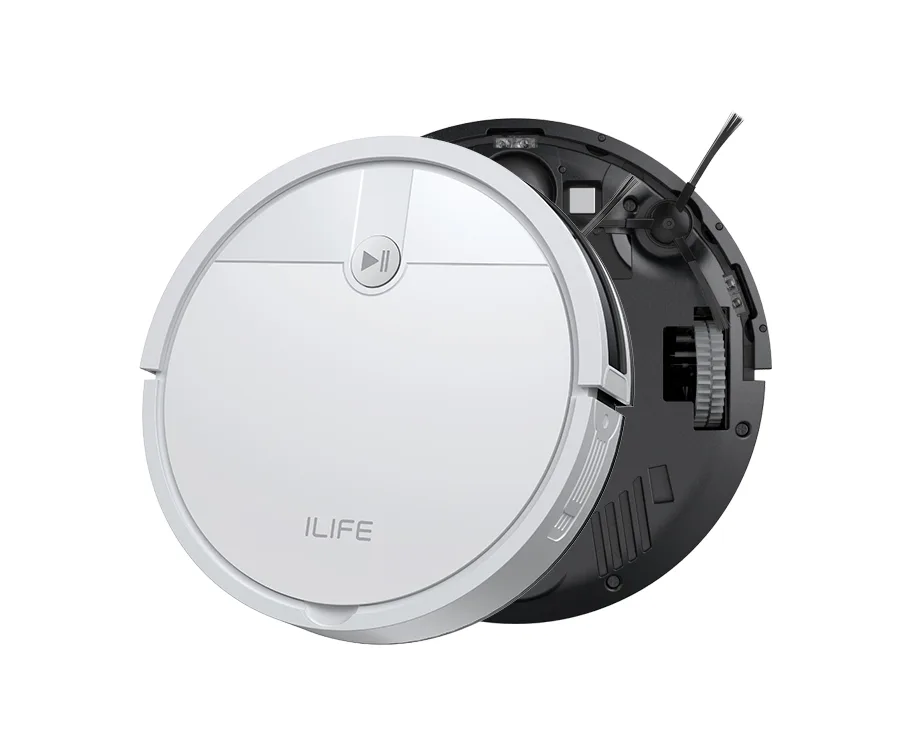
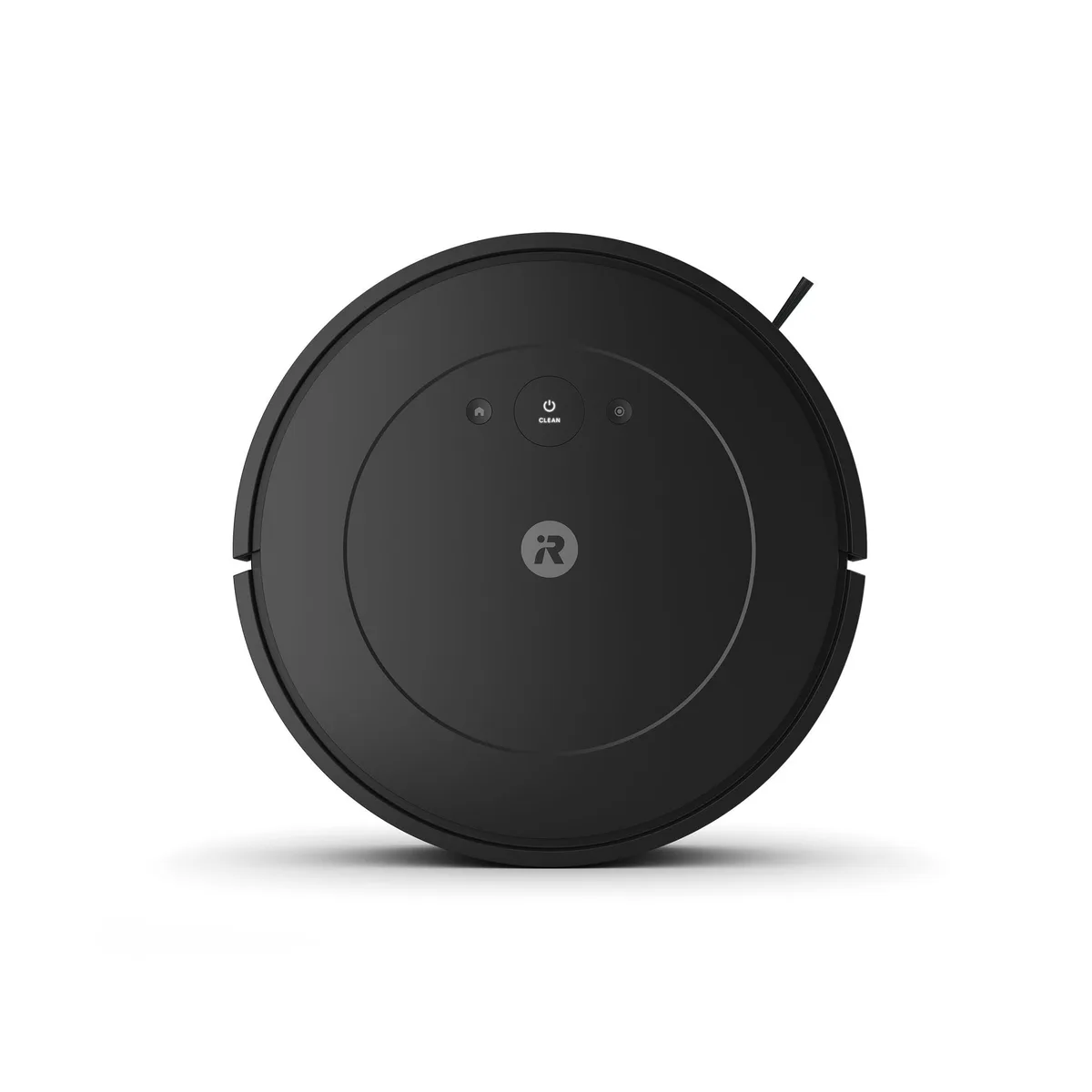
At $100 apiece, with gyroscope navigation, 120-minute runtimes and 1-year warranties on both, the split comes down to your phone. The Roomba Vac Essential works through the iRobot Home App for scheduling and answers to Alexa, Google and Siri, with three suction levels to pick from. The iLife V2 has no app, WiFi or voice control at all and runs from a remote or a single button, though it still docks itself on a preset schedule.
The V2 has one hardware advantage that matters to pet owners: it uses a suction port with no roller brush, so there's nothing for hair to wrap around. At 2.99 inches tall it also clears slightly lower furniture than the Roomba's 3.15. Neither maker publishes a suction figure, and neither maps rooms, so coverage is similar in principle.
Buy the Roomba if you want app scheduling, voice control and a known brand's support. Buy the V2 if hair wrap is your main headache or you'd rather the robot never touch your WiFi.
iLife V2
The better pick if long hair keeps tangling robot brushes or you want a robot with no app, account or WiFi connection.
Roomba Vac Essential
Suits you if you want app scheduling, three suction levels and voice control through Alexa, Google or Siri for the same $100.
| Spec | iLife V2 | Roomba Vac Essential |
|---|---|---|
| Price | ~$100 | ~$100 |
| Type | Robot Vacuum | Robot Vacuum |
| Suction | 1500 Pa | Not disclosed |
| Battery | 120 min | 120 min |
| Navigation | Gyroscope | Gyroscope |
| Filtration | — | — |
| Cordless | Yes | Yes |
| Bagged | — | — |
| Noise | 60 dB | — |
| Dustbin | 300 ml | — |
| Water tank | — | — |
| Self-empty dock | No | No |
| Auto mop washing | No | No |
| Hot water washing | No | No |
| Obstacle avoidance | Yes | Yes |
| Carpet detection | No | No |
| Auto mop lifting | No | No |
| Multi-floor mapping | No | No |
| App control | No | Yes |
| Dimensions | 12.2 x 12.2 x 3.0 in | 13 x 13 x 3.15 in |
| Weight | 4.7 lbs | 5.84 lbs |
| Warranty | 1 year | 1 year |
Pros & cons
iLife V2
- ✓Tangle-free suction design avoids hair-wrap without a roller brush
- ✓2.99-in height clears more furniture than mapping robots
- ✓No app or account required — remote or one-button operation only
- ✓IR anti-collision and anti-drop sensors detect stairs and ledges
- ✓Explicit 12-month warranty backed by a US-based support team
- ✓One of the cheapest name-brand robots on the site at around $100
- ✗No published suction figure at all
- ✗No mapping, no-go zones, or room selection — pattern/bounce navigation only
- ✗Vacuum only, no mopping
- ✗No app, WiFi, or voice control (Alexa/Google) support
- ✗No published dustbin capacity, weight, or full dimensions
Roomba Vac Essential
- ✓Cheapest way into the current Roomba lineup
- ✓120-minute runtime on a charge
- ✓Three adjustable suction levels
- ✓Works with Alexa, Google Assistant, and Siri
- ✓iRobot Home App scheduling and basic reporting
- ✗Gyroscope navigation only - no LiDAR, no room-by-room map
- ✗No self-empty station - you empty the bin by hand
- ✗No carpet detection
- ✗iRobot doesn't publish a suction figure, dustbin capacity, or noise level
- ✗Budget competitors from eufy/Roborock often out-suction it for similar or less money
iLife V2 vs Roomba Vac Essential: common questions
Does the iLife V2 or the Roomba Vac Essential handle pet hair better?▾
On paper the V2 avoids the usual problem, because it has no roller brush for hair to wrap around. The Roomba Vac Essential's spec sheet makes no anti-tangle claim, and neither robot publishes a suction figure to compare raw pickup.
Will either robot map my home?▾
No. Both navigate by gyroscope rather than LiDAR, so there are no room maps or no-go zones. The Roomba cleans in rows and adds app scheduling, while the V2 runs auto, spot and edge modes from its remote.